Product Documentation

Everything you need to get started with GDSense

Documentation Library

Start with the answer you need. Every article is a crawlable, standalone page with focused steps, examples, and links to the next relevant topic.

4 articles

Getting started

Install GDSense, connect your account, and complete a useful first request.

15 articles

Guides

Task-focused workflows for debugging, refactoring, and sharing project context.

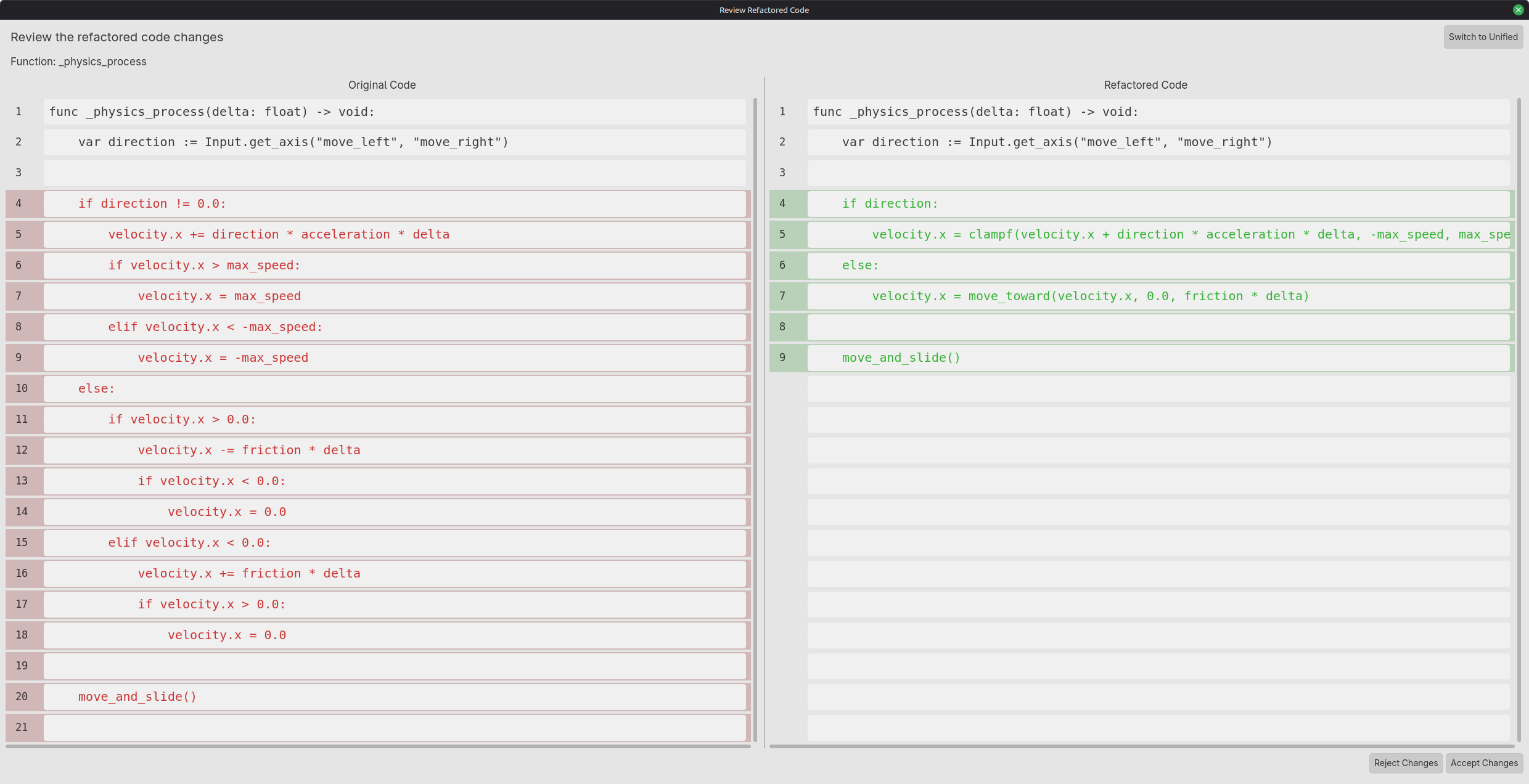
Debug GDScript errorsTurn an error message, the relevant script, and scene context into a focused debugging plan you can verify in Godot.Refactor GDScript safelyImprove GDScript structure while preserving behavior through small changes, a visible diff, and repeatable verification.Share useful project contextAttach only the scripts, selections, scenes, and nodes that matter so an AI assistant can answer a specific Godot question.Choose AI reasoning for GDScriptMatch GDScript tasks to reasoning depth and evaluate answers with scene-aware checks, API verification, and a small repeatable test set.Export and verify a Godot projectPrepare an export preset, include the required resources, diagnose export-only failures, and smoke-test the actual Godot build before sharing it.Connect and debug Godot signalsConnect a typed health signal to a HUD, handle the initial state, and trace missing or duplicate callbacks with a practical Godot example.Build a GDScript state machineReplace conflicting enemy flags with explicit idle, chase, and disabled states, one transition function, and repeatable boundary checks.Use Godot TileMapLayerSet up a TileMapLayer, convert mouse positions to map cells correctly, place known atlas tiles, and separate collision problems from coordinate mistakes.Use AI in GodotTake one Godot task from a clear prompt and focused scene context to a reviewed GDScript change and a repeatable gameplay check.Use autoloads and singletonsRegister a Godot 4 autoload, build a typed game-state singleton and an event bus, and avoid the lifecycle mistakes that make global state hard to debug.Organize a Godot projectLay out a Godot 4 project by feature, know which generated files to commit, and reference scenes so moving files never breaks them.Save and load game dataStore settings and game progress in user:// with ConfigFile, versioned JSON, or a custom Resource, and test the save system before players depend on it.CharacterBody2D Player Movement in GodotBuild and verify a small platform controller with input actions, gravity, jumping, and collision checks.Fix Godot Errors with GDSenseReproduce a Godot failure, attach focused runtime evidence, inspect the first cause, and verify the correction.Godot 4.7 Changes for GDScript ProjectsReview API and behavior changes when moving a GDScript project from Godot 4.6 to 4.7.2.

9 articles

Features

Learn the editor surfaces and choose the GDSense workflow that fits your task.

4 articles

Reference

Precise command, setting, and behavior reference for day-to-day use.

2 articles

Troubleshooting

Diagnose setup, connection, and workflow problems without guesswork.

1 article

Comparisons

Understand when different GDSense modes and workflows are the right fit.
Need More Help?

Check out our FAQ, join our Discord community, or view your usage in the dashboard